Apps
Deploys and rollback
Every deploy builds a complete new release where the running app can't see it, then switches to it with one atomic rename. So a deploy either happened or didn't, and rolling back is the same rename in the other direction.
Releases
Each app lives in its own directory on the server:
/srv/shop/
├─ repo/                             a bare mirror of your repository
├─ releases/
│  ├─ 20261103T141204Z-b82d1e4/      an earlier release, still built
│  └─ 20261106T091512Z-4e81d07/      the newest release
├─ shared/                           .env, and anything that outlives a release
└─ current → releases/20261106T091512Z-4e81d07
A release is named for when it was made and what it holds: the commit for code from Git, or the
first characters of the upload's checksum, because the same files always pack to the same bytes.
Releases are never changed after they're made. current is the only thing that decides what runs.
The deploy sequence
Fetch, export, install, build, check, switch, restart, verify. Everything slow and everything that can fail happens before the switch, in a directory the running app can't see, so a failed build costs disk space and never downtime.
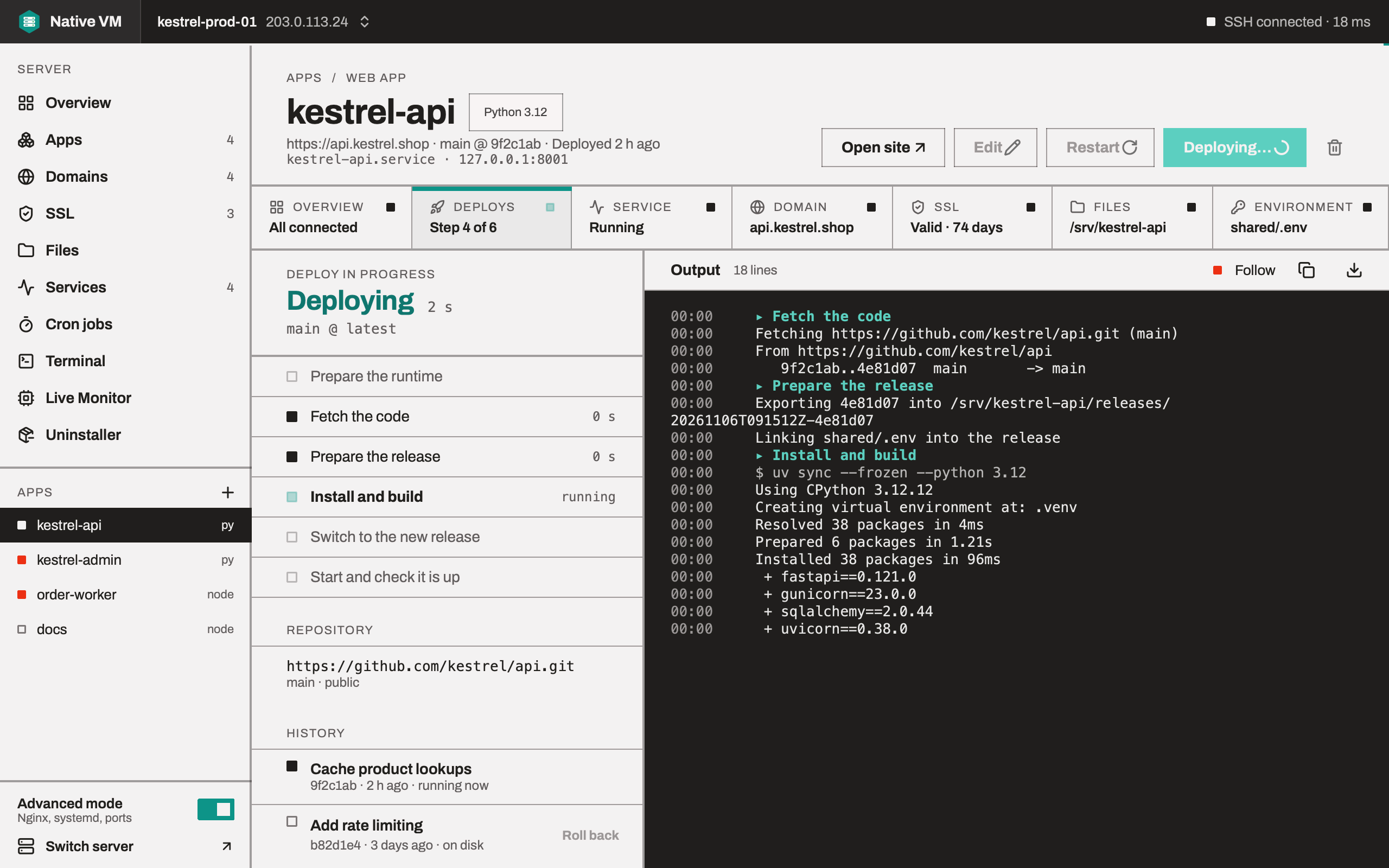
You watch it on the app's Deploys tab, step by step: Prepare the runtime, Fetch the code, Prepare the release, Install and build, Switch to the new release, Start and check it is up. The output streams beside the steps, as it happens.
Up means answering
After the restart, Native VM connects to the socket or port the app was given, and only a connection that succeeds counts. A service that starts a process which then exits, or binds nothing, is a failed deploy. The app has 20 seconds to answer; .NET apps one minute, OpenClaw 90 seconds, and Java apps two minutes, because a JVM can take most of a minute to start on one core.
When it doesn't come up
current goes straight back to the release that was working a second ago, and the service restarts
on it. The deploy is reported as failed, with what went wrong, and your site keeps serving.
Builds see the release they build
A build runs with the new release's .venv first on its PATH, not the running release's. A
Node.js build installs dev dependencies first, because build tools usually live there.
Deploying again
Re-Deploy, in the app page's header, deploys the newest commit of the app's branch, or the folder on your computer again, with the settings the app was made with. An app created last week, in another session or on another laptop, deploys the same: the app records what it is beside itself on the server.
Rolling back
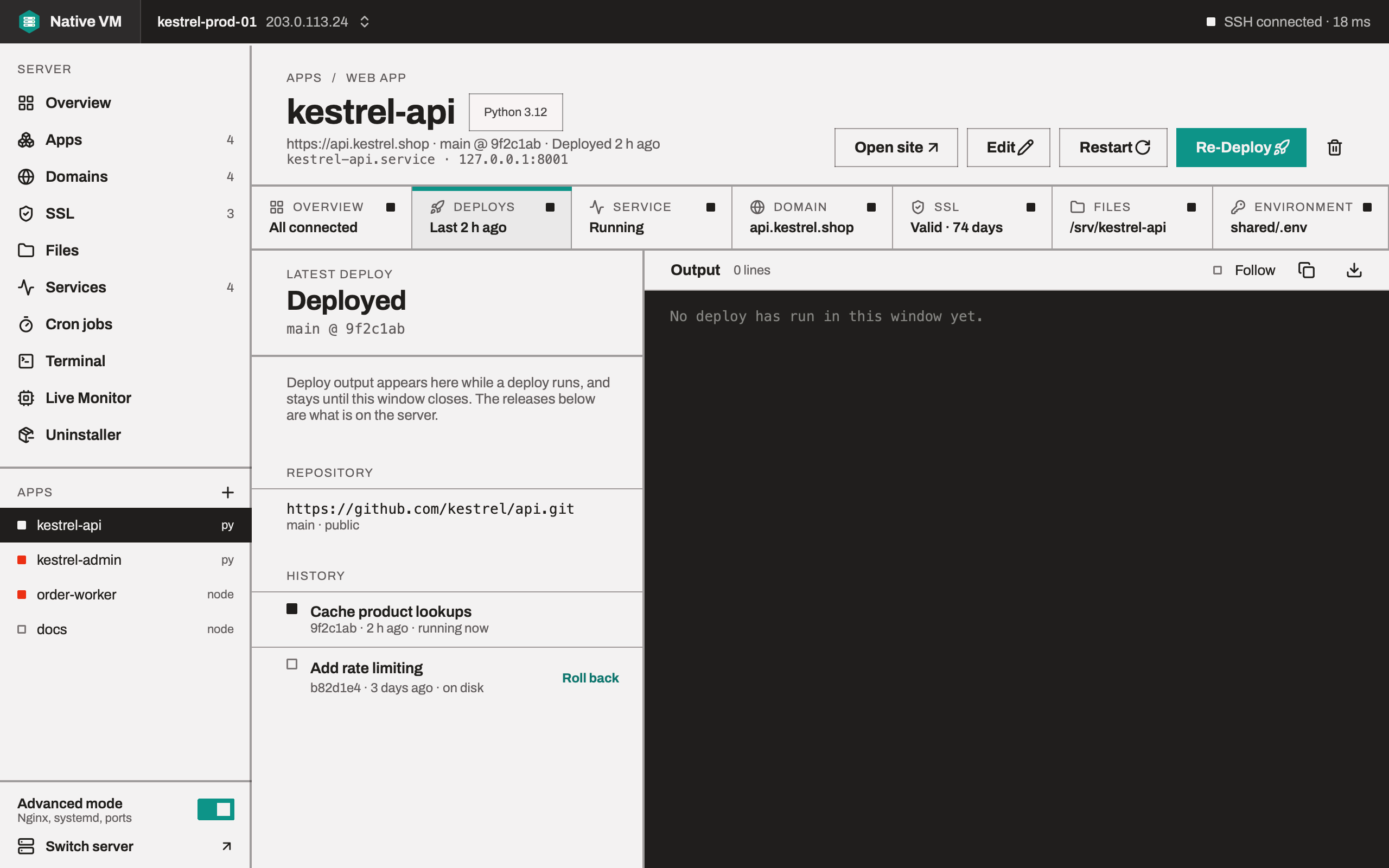
The Deploys tab lists the app's releases, newest first, with Roll back beside each earlier
one. Rolling back moves current and restarts the service, checked the same way as a deploy. No
rebuild and no re-fetch: the release is still on disk with its dependencies installed, so it takes
about half a second.
Native VM keeps the last five releases: enough to roll back through a bad week, few enough that
the disk doesn't fill with node_modules. The current release is never pruned.
Where things go
| What | Where |
|---|---|
| Your code, per release | /srv/<app>/releases/<time>-<id>/ |
| The release that runs | /srv/<app>/current |
| The app's environment | /srv/<app>/shared/.env, readable only by the app |
| npm and uv caches | /srv/<app>/shared/.cache |
| The app's runtime | /opt/nativevm/runtimes |
| The service | /etc/systemd/system/<app>.service |
The service
Each app runs as a dedicated, unprivileged account, app-<name>, so an app that's broken into can't
read another app's .env. Its systemd service:
- restarts it always, with no limit on restarts, so a passing failure is never turned into an outage that lasts until somebody notices;
- runs from
current, so the service doesn't change when a deploy does; - reads its environment from
shared/.env, so no secret goes in the world-readable unit file; - sets memory, CPU and task limits only when you asked for them.